🕒 Write-ProgressLoop
Part 3 of dumb stuff I wrote in PowerShell during years passed. Gotta be honest about the mistakes
Welcome to the third installment of why did I make this. This one is different and less about why I made it and more about why I gave it so much time.
Why I made the stupid function
I made Write-ProgressLoop when I was supposed to be doing actual work (oops). I was working on a script where I had to iterate through a large dataset, it had to be done in PowerShell 5.1, and multithreading wasn't the preferred solution because of one reason or another (it was a long time ago I don't know exactly what it was for, stop judging me)
That script would have needed to be run repeatedly, and since it took 30-40 minutes each time it was driving me insane to watch it.
I'd used the PowerShell Write-Progress cmdlet in the past, and it was never anything fancy, just a simple percent complete banner that moved.
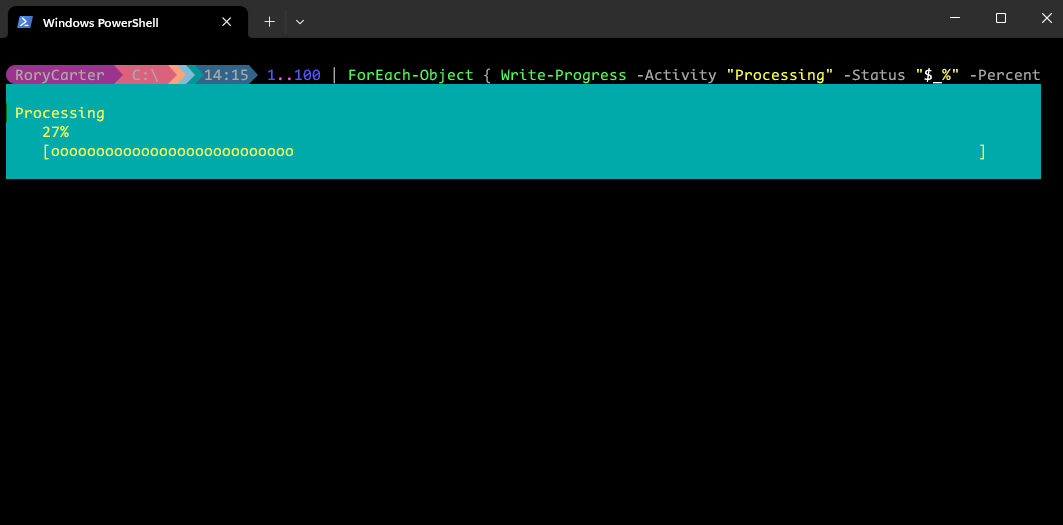
I wanted more, I had a long script running again and again so I had the time and the motivation, and so: Write-ProgressLoop was born.
How I made the stupid function
Ok so bear with me on this, I got very carried away
This function loops through all the items in a collection and runs a scriptblock on it, while showing a nice progress bar that tells you:
- How far along you are (percentage)
- How much time is left (estimated)
- What item you're currently processing
The clever part is the time estimation. After the first iteration completes, it guesses how long the rest will take based on that, as more iterations finish, it refines that guess using the average iteration time. So the time estimation gets more accurate as the loop progresses, which I'm sure you've seen in many progress bars through the years.
The scriptblock also runs in a scope where $item and $index are available to you, so you can reference what you're processing in the scriptblock without having to manually track it.
That's actually very neat, here's a demo of it in action
The problem with this becomes kind of obvious seeing it in action here
What went wrong
I was quite proud of how the progress bar looked, I spent a lot of time refining it so it was accurate and could be used and reused for anything I wanted to down the road.
But here's the problem - I had created an unwieldy monster to do something simple. I'd have to be blind to say it's reusable today, I had to get Claude to write the example you just saw in that video because it takes real mental energy to even understand how to run the thing.
It's so overcomplicated, and it doesn't support just dropping in an existing scriptblock because you've got to redo your loop logic to use the provided item and index variable.
I love seeing it, I won't delete it because it gives me joy, but it was not a success.
Subscribe for more of this